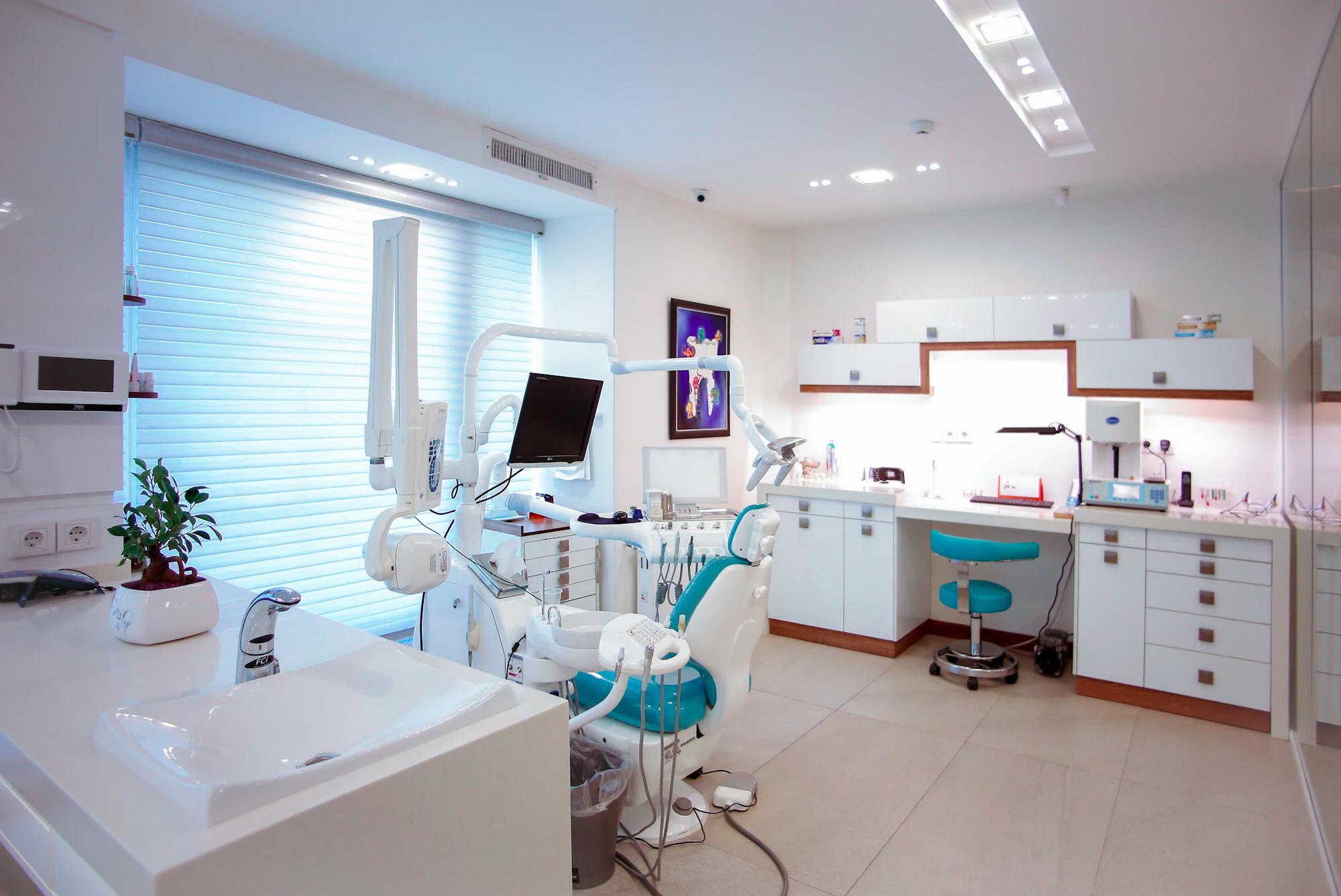
Give your front desk room to breathe.
When the phone rings during check-in and tomorrow’s insurance still needs attention, your team needs backup. Bring AI assistance to the work that interrupts the practice day.
A workspace around
your team’s priorities.
Start at the front desk
Keep patient conversations and appointment requests together, with a clear handoff when someone needs your team.
Prepare before the visit
Organize insurance work and missing information while there is still time to resolve it.
Keep follow-up moving
Review recall outreach and claim follow-up in a workspace built for the people doing the work.
More time for the conversation that matters.
When the phone and the insurance prep are covered, the provider and the front desk can stay with the patient in front of them.
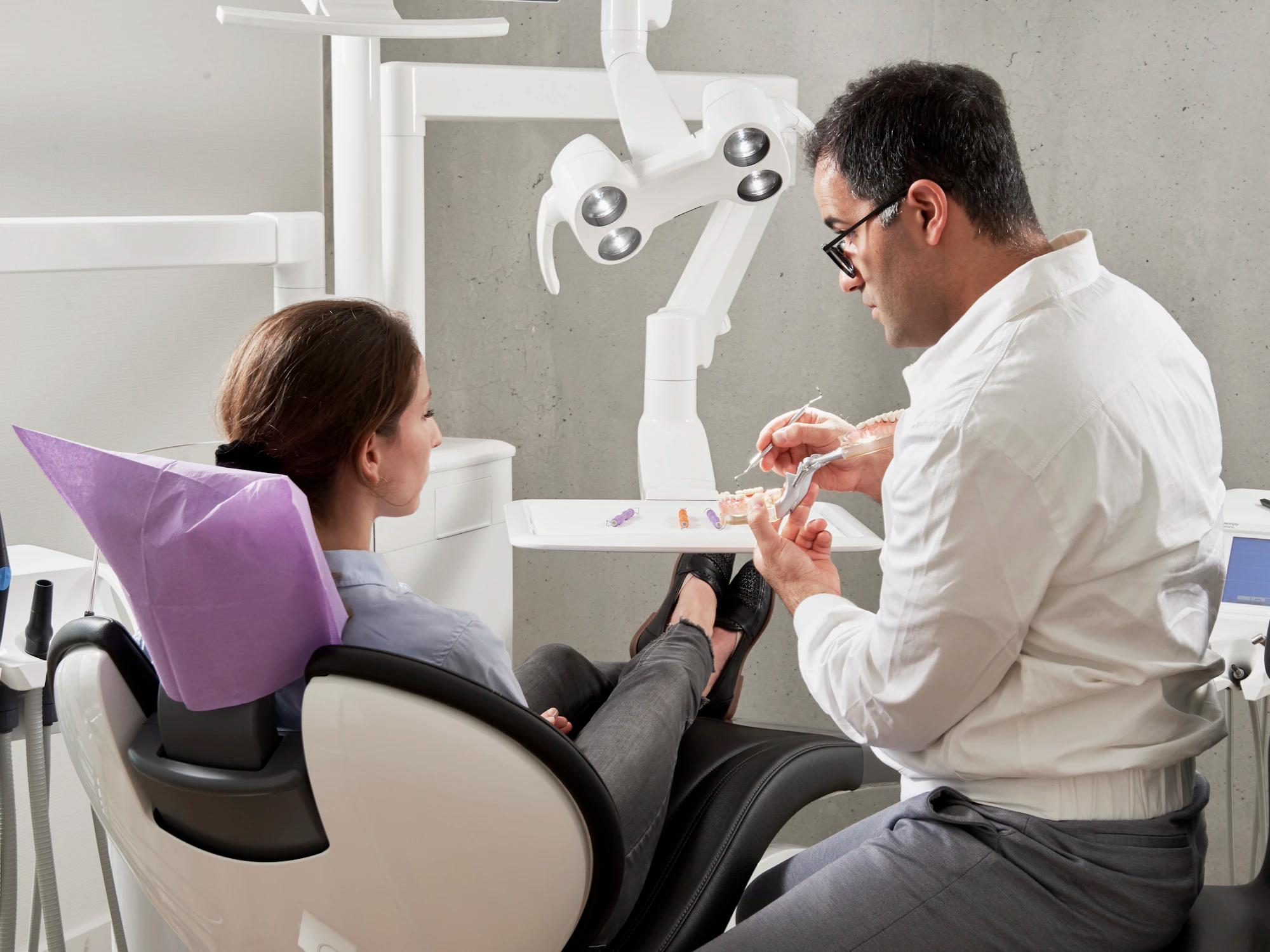
Treatment plan ready to present
How practices start.
Choose a bottleneck
Bring the task that takes time from your team. Walk through how it works today.
Check the fit
We confirm your PMS edition, data access and who reviews what.
Evaluate together
Agree on a baseline and look at the actual outcomes before expanding the scope.
Start with these.
Do we need to replace our practice management software?
No. Keep the PMS your team knows. SmileOps works alongside it, and your PMS remains your system of record.
How does SmileOps find unbilled insurance work?
It compares completed procedures in your PMS with the insurance claims the PMS holds. A procedure is listed when no claim for the same office, patient and service date carries its code. Claims that were never sent are listed separately. That comparison runs on Dentrix and Dentrix Ascend. Nothing is sent to a payer without staff approval.
What does the AI do, and what does our team approve?
SmileOps answers calls and texts, checks benefits, prepares claims and appeals, drafts notes and recall outreach, and keeps the books current. Your team confirms appointments, signs notes and approves anything sent to a patient or a payer.
Can we start with one area?
Yes. Start with phones, insurance, reports or the books, then turn on the rest office by office.
See SmileOps on a call with your team.
We walk through your phones, insurance and reports on the PMS you use.