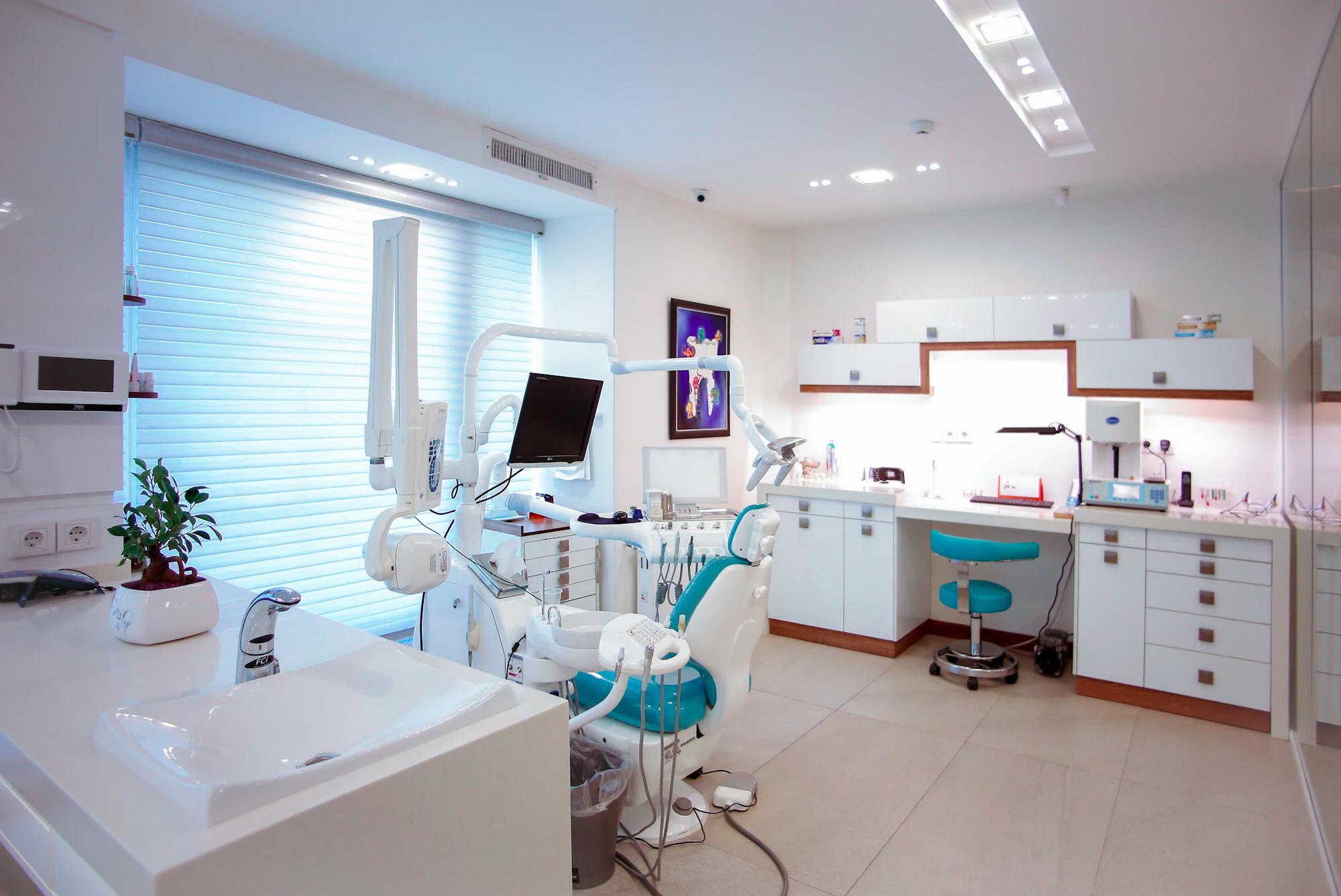
Start with the work
you want to make easier.
Pick an area, connect your PMS and give your team the workspace.
Three steps to a working office.
Explore with demo data
Walk through your priority workflow using fictional records. See what AI prepares and where your team reviews.
Connect your practice
Connect your PMS, set permissions by office and role, and publish your practice rules.
Make it part of your day
Review calls, prepare for upcoming visits and keep your practice numbers in view. Add products and locations as your needs grow.
The clinical day does not change.
Providers keep working the way they do now. SmileOps takes the calls, the insurance prep and the follow-up around them.
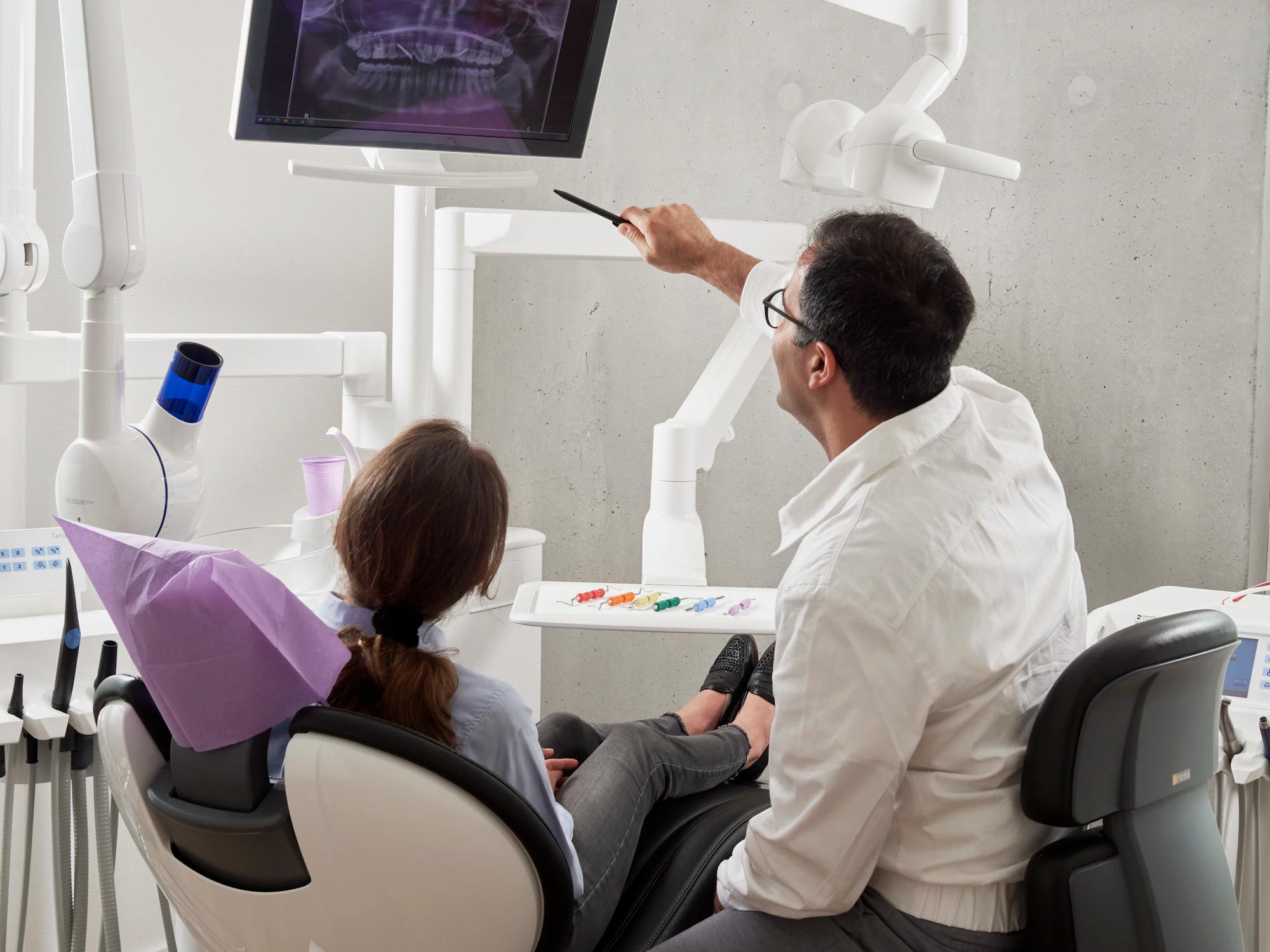
Note drafted alongside· the provider keeps working
Every item opens with its context.
A call, an insurance gap or a question about collections opens with the patient, the source and the proposed next step beside it.
Explore the platformSame practice.
A little more breathing room.
From the first call to the last look at your numbers. See how an AI team fits into the day you already know.
- 6:00 AM01 / 05
A head start. Before the first hello.
Walk into a clearer picture of the day. AI organizes insurance details for upcoming visits and brings yesterday’s practice numbers into focus.
Insurance and claims + ReportsYour morning brief
- Benefits organized for upcoming visits
- Missing coverage details flagged for review
- Yesterday’s production ready to explore
Less preparation. More presence.
- 8:40 AM02 / 05
Three calls. One calmer front desk.
Your team welcomes the patient at the desk. SmileOps picks up the next call, captures what the caller needs, and prepares the next step around your practice’s rules.
CommunicationsA new patient calls
- Call answered while the desk is busy
- Appointment preferences captured
- Conversation summary ready for your team
The person in front of you gets your attention.
- 12:30 PM03 / 05
Lunch for your team. Coverage for your phones.
Step away from the desk without losing the thread. AI handles incoming conversations and keeps follow-ups together for when your team returns.
CommunicationsWhile you take a break
- Patient questions handled with practice context
- Callback requests collected in one place
- Anything that needs a person clearly flagged
A real break, without a voicemail backlog.
- 3:15 PM04 / 05
An opening in the schedule. A clear next move.
A cancellation changes tomorrow’s plan. See the gap in context, review the follow-up opportunity, and give your team a clear place to take it from here.
ReportsTomorrow’s schedule needs attention
- Schedule change brought into view
- Practice impact available in your numbers
- Follow-up handed to the right teammate
Less searching. A more useful next step.
- 7:00 PM05 / 05
The doors close. The picture gets clearer.
Finish the day with your numbers and bookkeeping in view. Transactions are organized for review, while patient calls still have somewhere to go.
Bookkeeping + CommunicationsYour end-of-day view
- Collections and deposits brought together
- Transactions organized for review
- After-hours conversations ready for tomorrow
Head home with fewer loose ends.
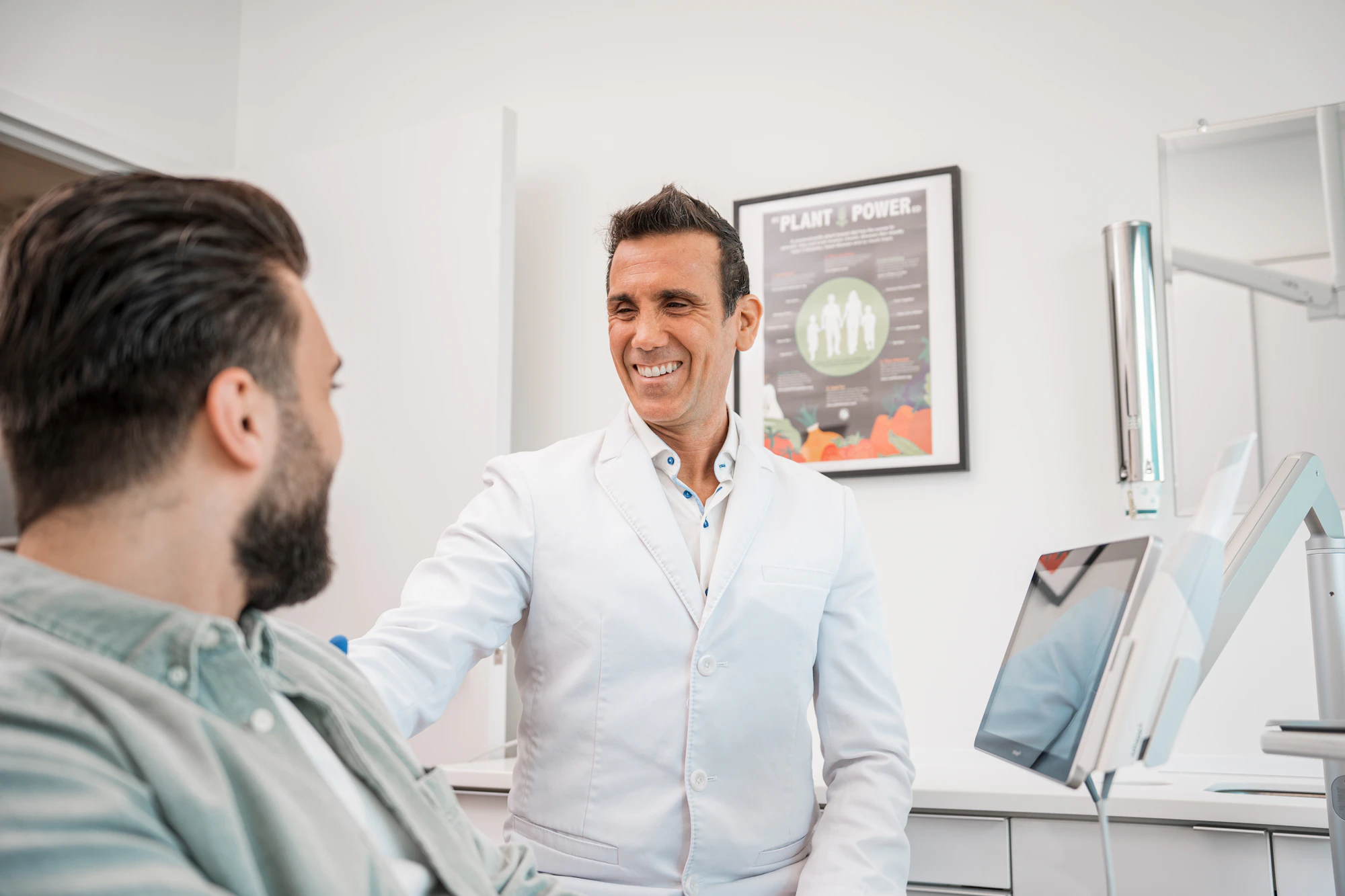 1Before the visit
- Call answered and booked
- Benefits verified
- Forms back
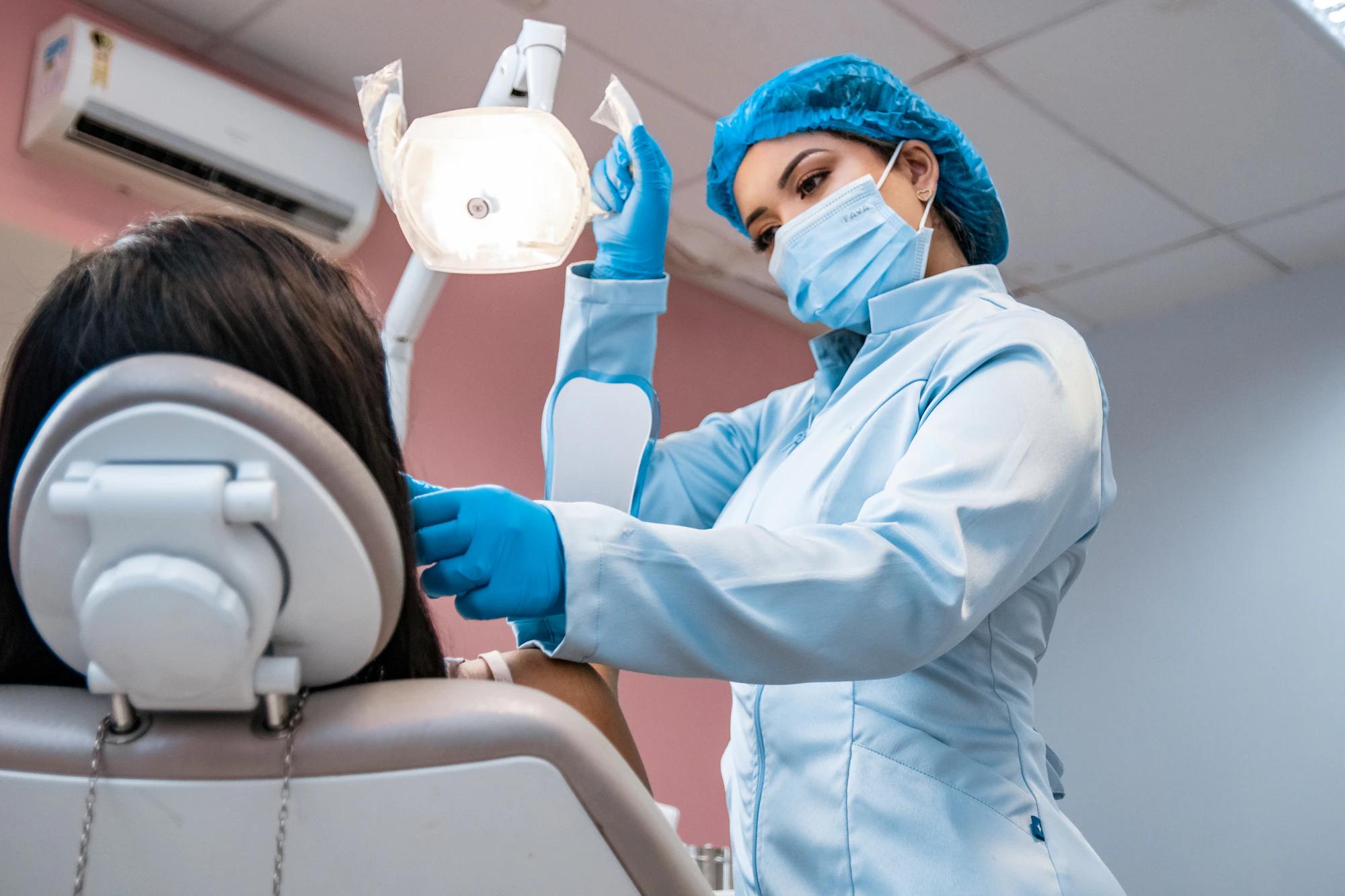 2In the chair
- Note drafted from dictation
- Treatment plan ready to present
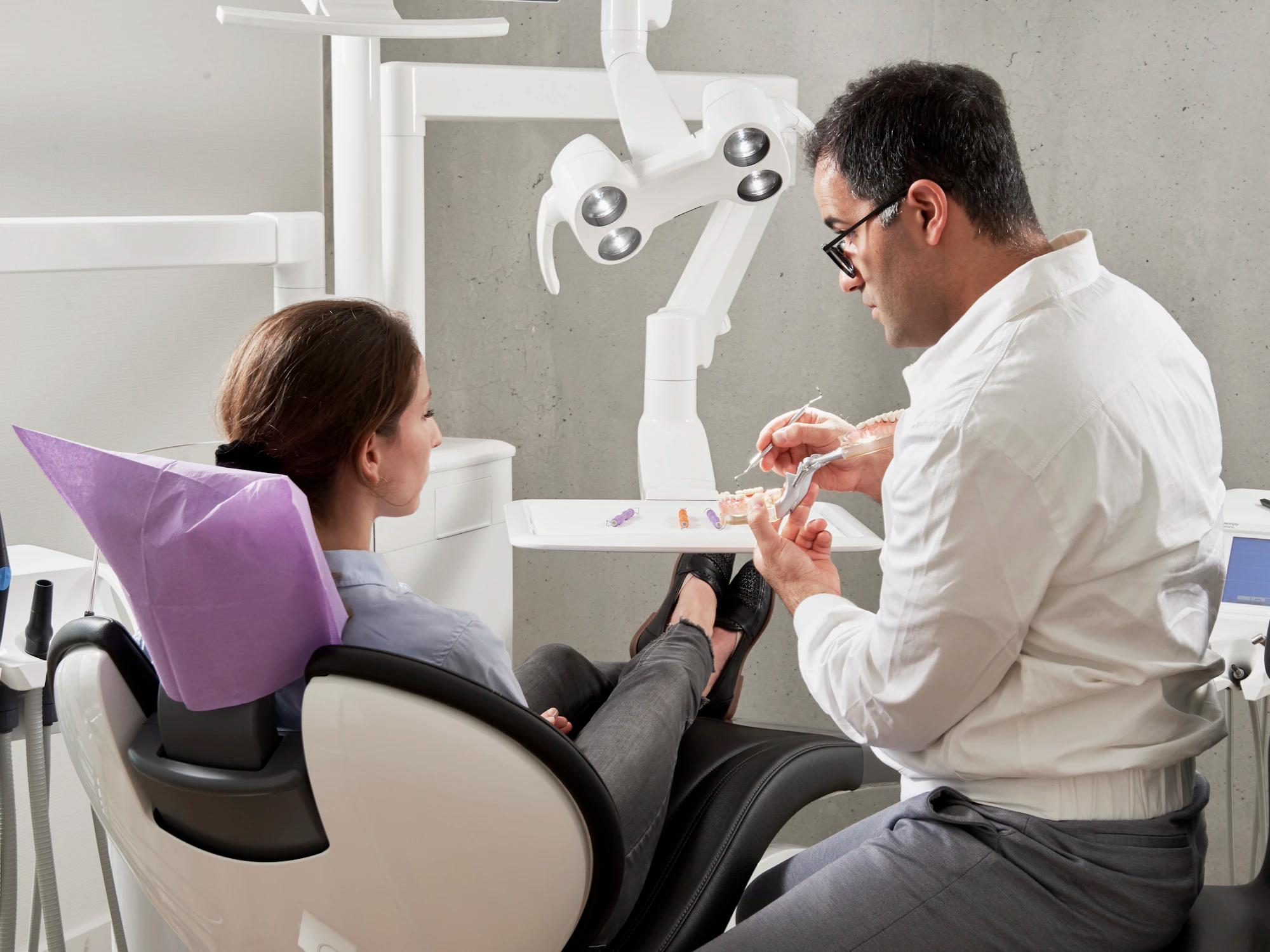 3After the visit
- Every procedure billed
- Recall scheduled
- Books current
Do we need to replace our practice management software?
No. Keep the PMS your team knows. SmileOps works alongside it, and your PMS remains your system of record.
How does SmileOps find unbilled insurance work?
It compares completed procedures in your PMS with the insurance claims the PMS holds. A procedure is listed when no claim for the same office, patient and service date carries its code. Claims that were never sent are listed separately. That comparison runs on Dentrix and Dentrix Ascend. Nothing is sent to a payer without staff approval.
What does the AI do, and what does our team approve?
SmileOps answers calls and texts, checks benefits, prepares claims and appeals, drafts notes and recall outreach, and keeps the books current. Your team confirms appointments, signs notes and approves anything sent to a patient or a payer.
Can we start with one area?
Yes. Start with phones, insurance, reports or the books, then turn on the rest office by office.
See SmileOps on a call with your team.
We walk through your phones, insurance and reports on the PMS you use.